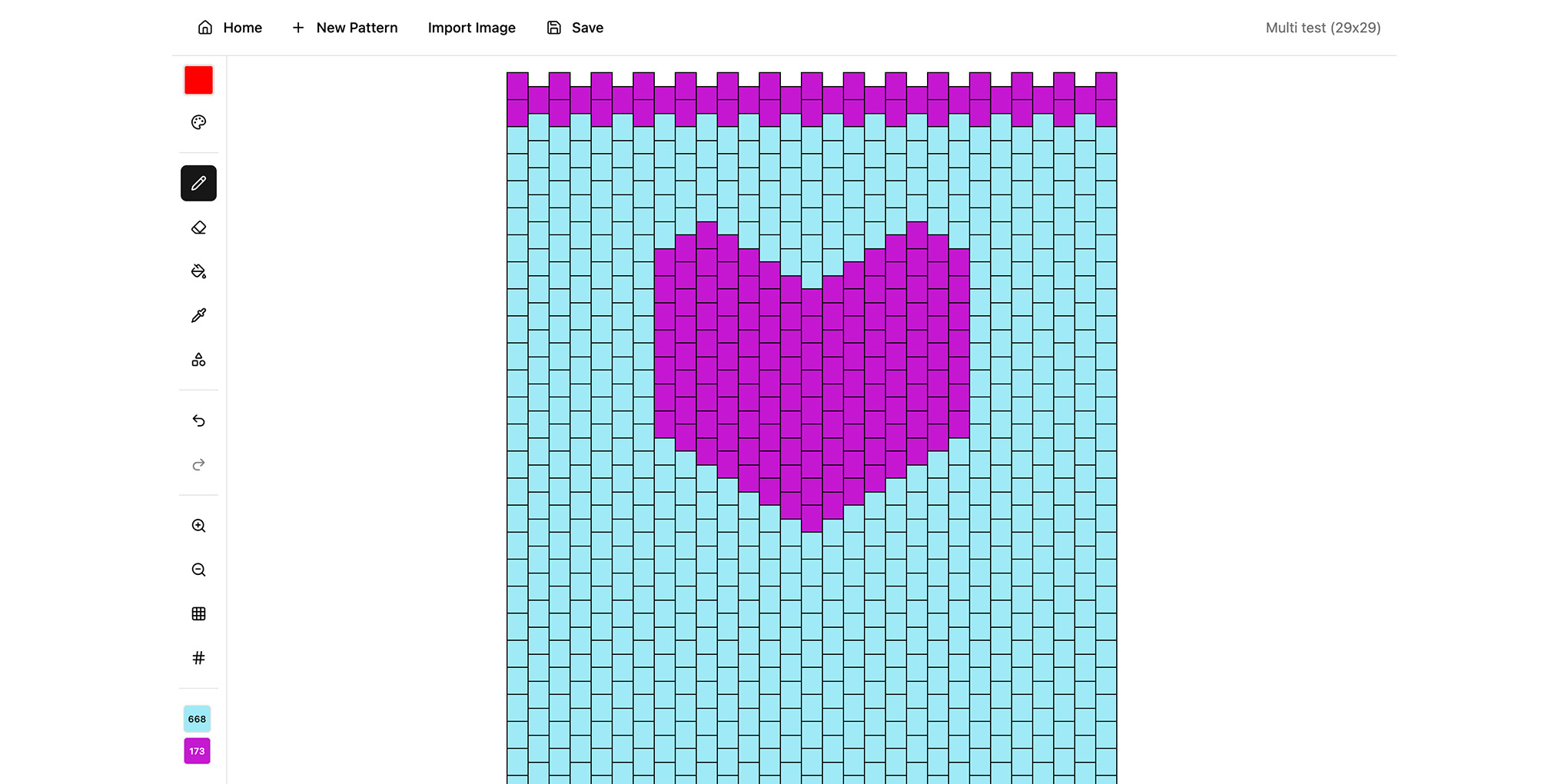
React Bead Pattern Maker
This is a web-based tool for designing bead patterns with different beading stitches. I’ve created many iterations of this project over the years. My initial attempt in 2015 used EmberJS, but I swapped it to React in 2016. I continue to improve it and add new features. I’m currently rewriting it in TypeScript and have not yet added in some of the previous features such as cropping, resizing, and pattern generation.
Project History
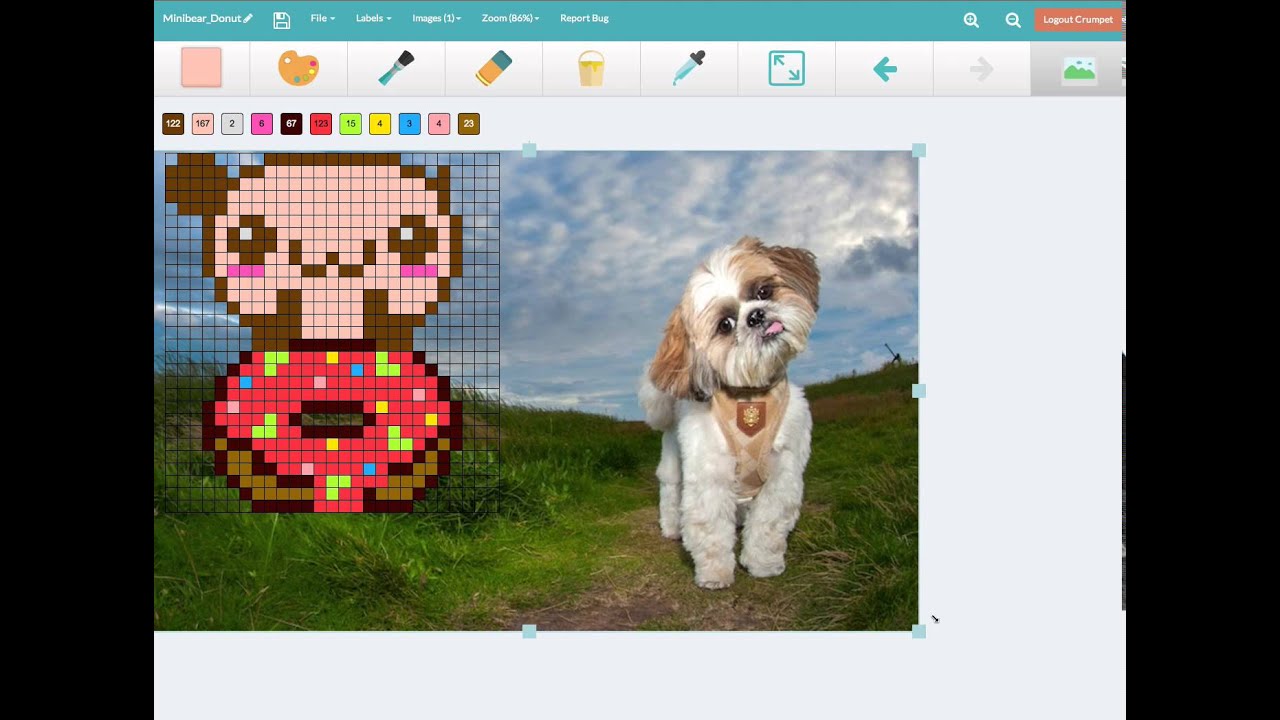 2015: EmberJS
Watch video demo (opens in a new tab)
2015: EmberJS
Watch video demo (opens in a new tab)
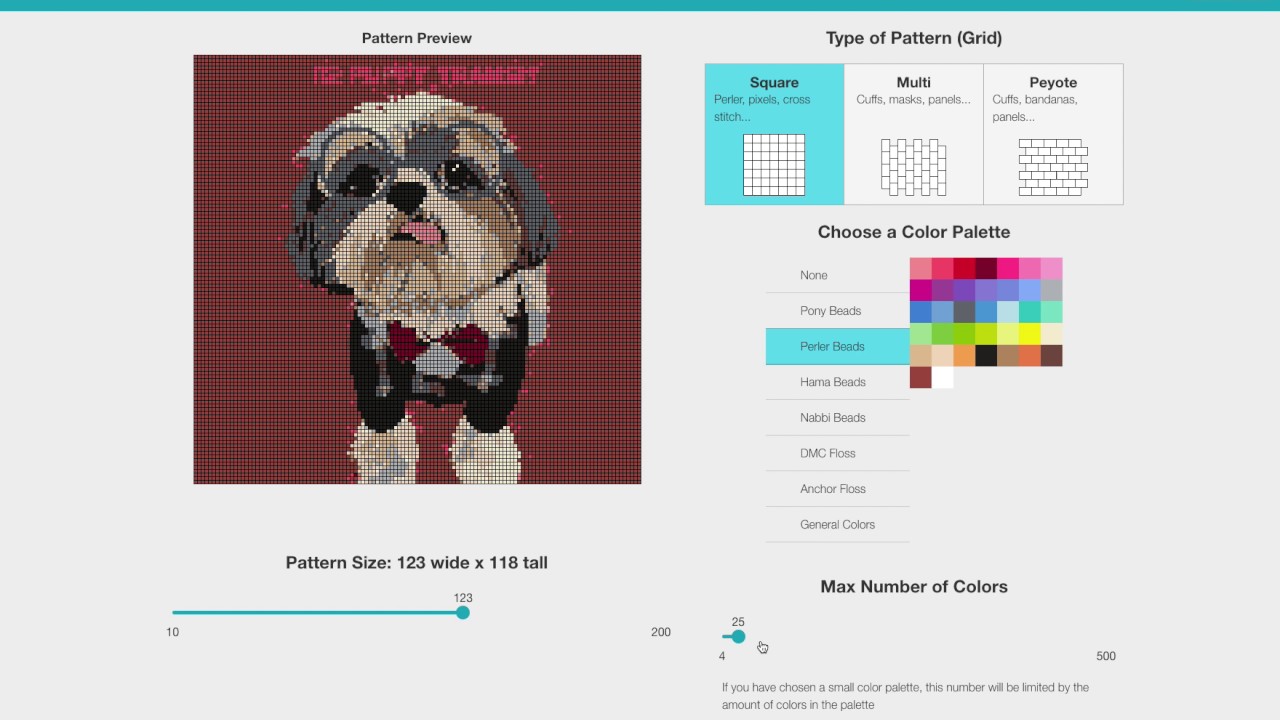 2016: React
Watch video demo (opens in a new tab)
2016: React
Watch video demo (opens in a new tab)
Features
- Ability to shrink pattern palette to match real-life bead colours
- Flood fill - using an n-dimensional flood fill algorithm
- Shape tools
- Numbering by column, row, and symbol
- Undo and redo
- Export and print
Technical Details
The demo above is a standalone TypeScript rewrite of the pattern maker’s frontend, currently in progress. The full version includes a Laravel backend for saving, sharing, and image processing. The technical details below cover both the current rewrite and features being migrated from the previous version.
Architecture
An offline-first React single-page application for designing beadwork patterns on an interactive canvas. The app runs entirely in the browser with no backend; pattern data is persisted to IndexedDB, and all rendering happens on layered HTML5 canvases. Built with React 19, TypeScript, and Vite.
State Management
Application state is managed with Redux Toolkit, split into a designs slice holding all pattern data and a UI slice tracking tool selection, colour state, zoom level, and grid settings.
- Undo/redo — the designs slice is wrapped with redux-undo. Only drawing actions are tracked; loads, saves, and metadata changes are excluded from the history stack so that renaming a pattern or switching between designs doesn’t consume undo levels.
- Stroke batching — individual bead changes during a pencil or eraser stroke are collected and deduplicated by coordinate, then flushed as a single dispatch on mouse-up. This keeps undo granularity at the stroke level rather than per-bead.
- Dirty state tracking — bead-modifying actions mark the active design as dirty; a successful save clears the flag. The dirty state drives unsaved-changes warnings via both the beforeunload event and a React Router navigation blocker.
Canvas Rendering
The editor uses a layered canvas stack — four canvases overlaid in a single container, each responsible for one concern:
- Bead canvas — the interactive layer handling all pointer input. Renders each bead as a filled rectangle, with mouse and touch events converted from pixel coordinates to grid positions using pattern-aware coordinate functions.
- Shape preview canvas — renders a semi-transparent preview of shapes while the user drags. Only receives pointer events when the shape tool is active.
- Grid line canvas — draws the grid overlay, accounting for staggered offsets in non-square pattern types. Non-interactive so it never intercepts drawing input.
- Label canvas — displays row numbers, column numbers, or symbol labels in a contrast-aware font colour. Also non-interactive.
Pattern Geometry
The app supports multiple bead pattern types, each with its own coordinate system. Square grid patterns use uniform bead dimensions with no offset. Multi-stitch patterns use tall rectangular beads with alternating columns offset vertically, producing a brick-like stagger. Peyote patterns use wide rectangular beads with alternating rows offset horizontally. Coordinate conversion, bead rendering, and grid line drawing all branch on pattern type, keeping pointer-to-bead mapping, visual rendering, and the grid overlay consistent regardless of geometry.
Drawing Tools
- Pencil — colours individual beads, with strokes batched and flushed as a single Redux action on mouse-up.
- Eraser — forces the colour to transparent while preserving the previous colour for easy switching back.
- Fill bucket — flood-fills contiguous same-coloured beads using an n-dimensional flood fill algorithm, replacing the entire grid in one dispatch.
- Eyedropper — samples the colour under the cursor, then auto-switches to the pencil tool.
- Shape tool — filled and outline variants of rectangles and ellipses, previewed at 50% opacity while dragging, committed on release.
Image Import
Users can import a photograph and convert it into a bead pattern. The pipeline runs entirely client-side:
- The source image is scaled to match the grid dimensions
- Colour quantisation reduces the image to a target palette, with optional Floyd-Steinberg dithering. If a brand bead palette is selected, quantisation is constrained to that palette’s colour set.
- An optional edge darkening pass runs a Canny edge detector on the source image, calculates edge density within each bead region, and darkens beads proportionally - preserving outlines and fine detail that would otherwise be lost at low bead resolutions.
Data Persistence
Pattern data is stored in IndexedDB via Dexie, with each record holding the full design object including the 2D bead array. All database operations are async and accessed through a data-access layer that Redux thunks call into. There is no backend; the browser is the only persistence layer, keeping the app fully offline-capable.