React Glitter Studio
I'm preparing to release Glitter Studio as open source on my GitHub. Stay tuned!


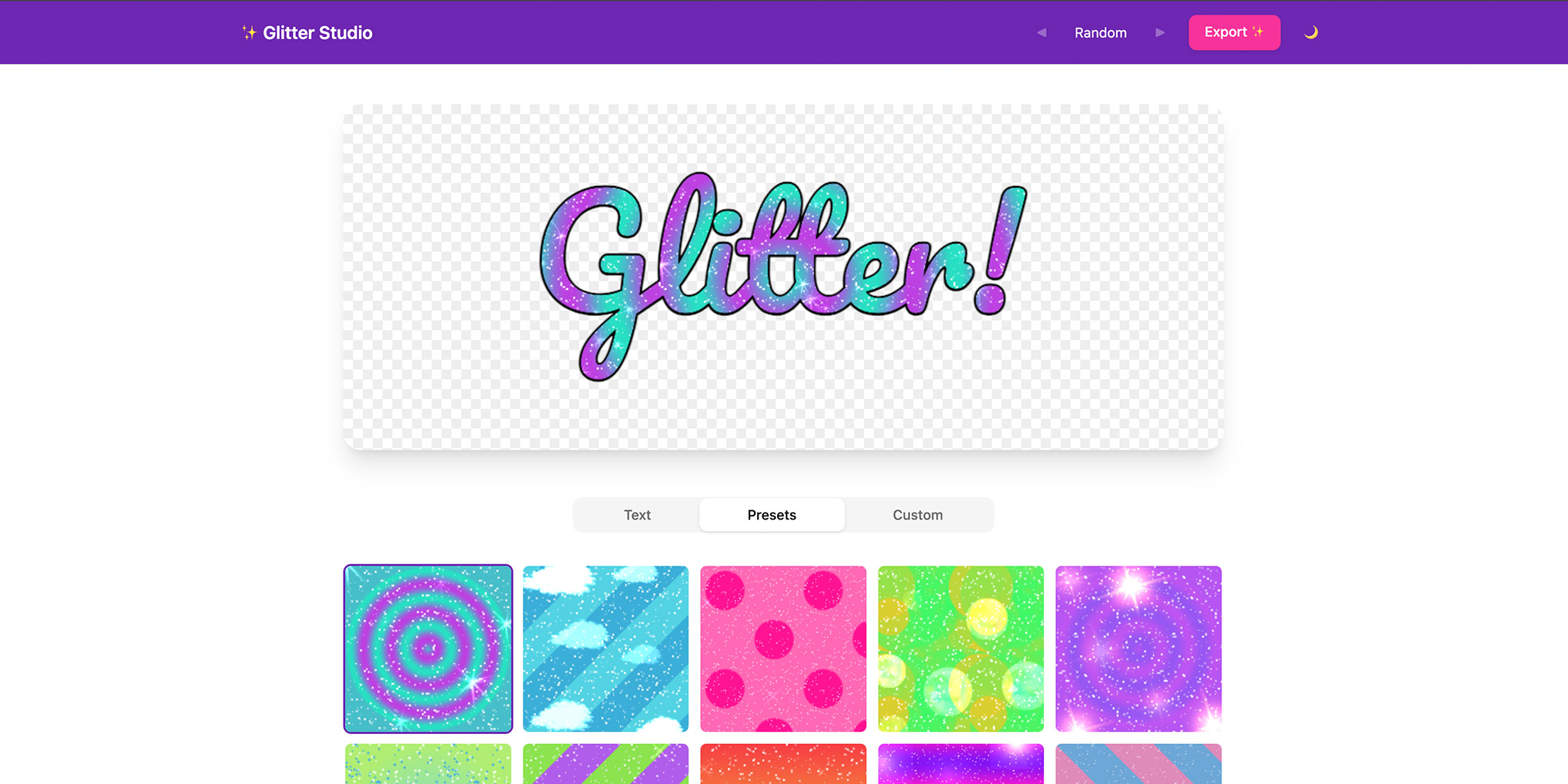
This lighthearted project aims to create a modernised version of the retro glitter graphic GIFs that were popular in the 2000s. While the original glitter graphics were made by tiling pre-existing animated gifs, my Glitter Studio generates the backgrounds and glitter animations at runtime - meaning that you can achieve a much more customised result with the exact colours, patterns, and sparkle types that you prefer. It has a “Random” feature for generating a random configuration, and you can even upload custom sparkle images. Sparkle type: banana, anyone?
Features
- Preset and random glitters for quick glitter creation
- Sparkle type: goldfish - enough said
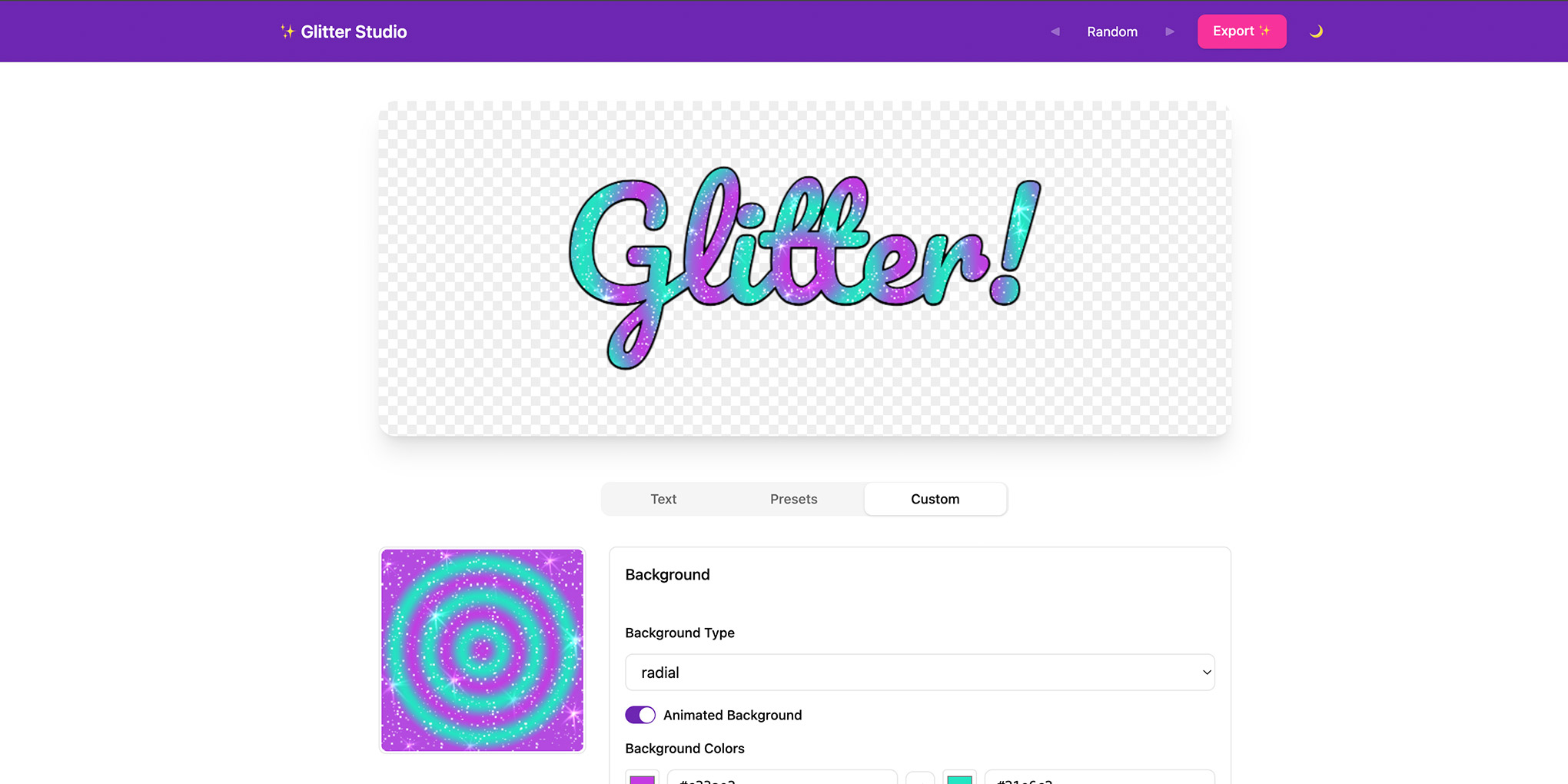
- Customisable backgrounds and colour schemes
- Animated backgrounds: scrolling stripes, infinite radials
- Custom sparkle images
- Exports glitter graphics as GIFs using the “modern-gif” library
- Harmonious random colour schemes by using colour theory
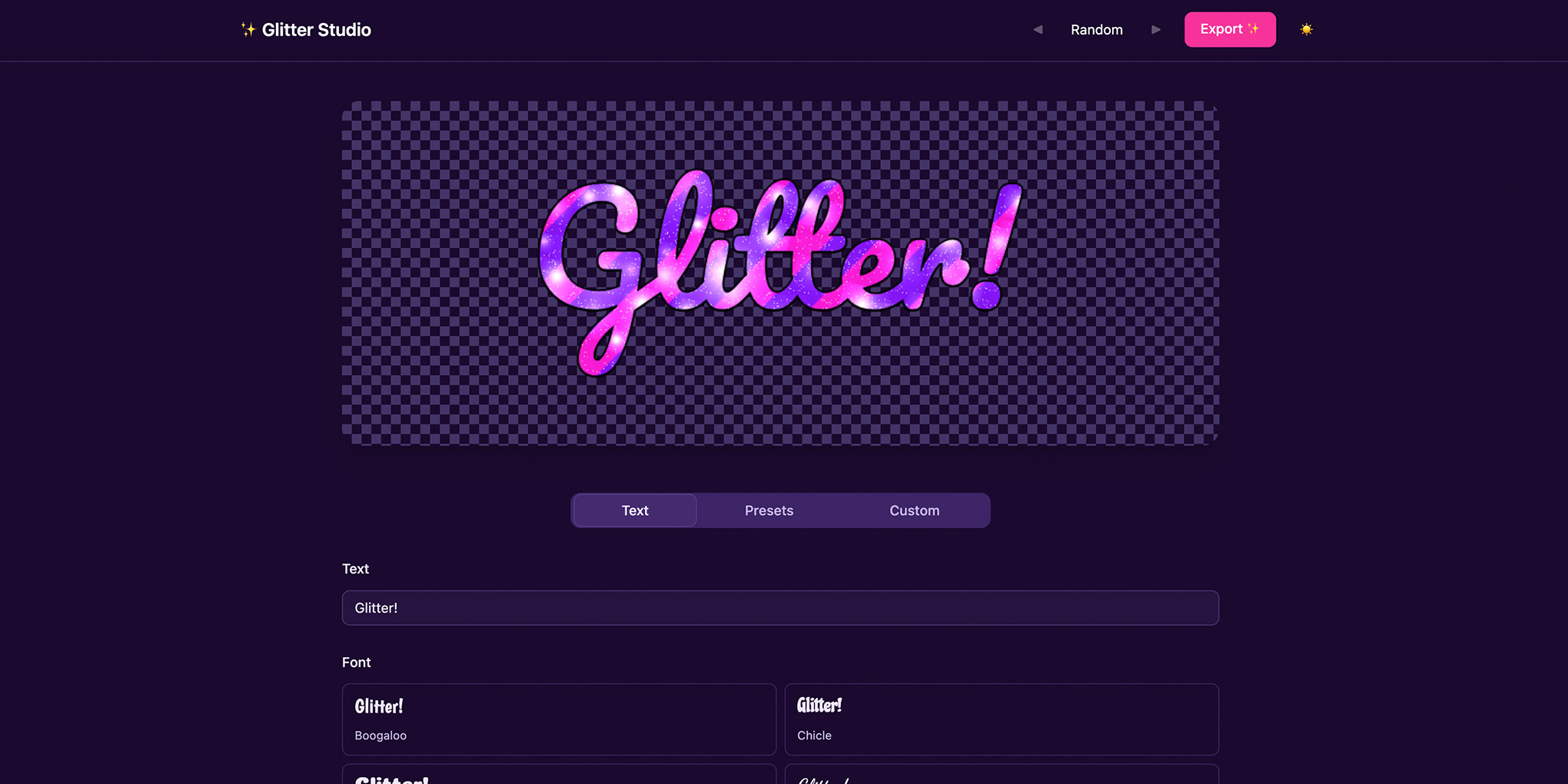
- Dark mode
Technical Details
Architecture
A client-side React application that generates animated glitter text effects entirely in the browser. The UI layer manages texture configuration and user controls, while a Canvas 2D rendering pipeline handles real-time animation and frame compositing. No server is involved; all rendering, animation, and GIF encoding happen on the client using the Canvas API and a pure-JavaScript GIF encoder.
Rendering Pipeline
Each animation frame is built by compositing multiple layers onto a single canvas using Canvas 2D blend modes: text masking, procedurally generated background patterns, noise overlays, and sparkle assets. Background tiles and sparkle positions are cached between frames, while noise is regenerated each frame to create the flickering glitter effect.
Colour Harmony
The random texture generator uses a colour theory system to produce visually cohesive palettes. Nine harmony types are supported - analogous, complementary, split-complementary, triadic, tetradic, warm, cool, neon, and duochrome - each defined by hue offset rules, saturation ranges, and lightness ranges applied in HSL colour space with full bidirectional HSL/hex conversion.
State Management
Application state is managed with React Context and useReducer, split into three separate contexts: read-only state, dispatch, and refs. This prevents unnecessary re-renders; components that only dispatch actions don’t re-render when state changes. The rendering engine encapsulates all animation state separately from React state, so the animation loop can advance without triggering React reconciliation.
Screenshots